
Download CD-DVD Diagnostic – cd diagnostic, dvd diagnostic, data recovery, disc repair, optical media
Overview
CD-DVD Diagnostic is a utility application designed to assist users in recovering data from damaged, scratched, or aging optical media such as CDs and DVDs. The app serves as a specialized tool for individuals who depend on disc-based storage for personal or archival purposes, including digital photos, music collections, software backups, and important documents. By offering diagnostic and recovery capabilities, the application helps prevent permanent data loss due to physical degradation or read errors. Its primary function is to scan and retrieve content from compromised discs, making it particularly valuable for users with legacy data stored on optical media.
Developed by Jason K. Menard, the app has been available since 2013, indicating a long-standing presence in the mobile utility space. While the developer has not provided additional background on their expertise or organization, the app’s continued availability suggests a focus on reliability and functionality.
The application is tailored for users who still maintain physical disc libraries or use older systems that rely on optical drives. It is especially relevant in scenarios where digital backups are incomplete or nonexistent. In the broader app ecosystem, CD-DVD Diagnostic fills a niche role by offering mobile-based access to disc recovery tools, which are typically found only in desktop software.
Key Features & Functionality
- Multi-Format Support: The app is compatible with common disc formats such as ISO, UDF, HFS, DVD-Video, and DVD-ROM. This enables users to scan and recover data from a wide range of optical media, regardless of the original file system or intended use.
- Effective File Recovery: CD-DVD Diagnostic includes tools designed to extract files from scratched or physically damaged discs. This functionality is critical for rescuing personal data, such as family photos or audio recordings, that may otherwise be lost.
- Session-Based Recovery: Users can initiate recovery processes in sessions, allowing them to pause and resume scanning at a later time. This feature is useful when the device is used for other tasks or when scanning large discs requires extended processing time.
- Diagnostic Tools: The app provides basic diagnostic capabilities to assess the health and reliability of a disc. This allows users to evaluate whether a disc is likely to fail during future use and take preventive action.
- Safe Copy Options: After recovery, users can create backup copies of retrieved files. This feature enhances data security by minimizing the risk of further loss during subsequent access or transfer.
These features are particularly beneficial in real-world scenarios such as restoring a childhood photo collection from a worn-out CD or recovering a software installation disc that has developed surface scratches. The app’s focus on practical, real-time recovery makes it a valuable tool for digital preservation enthusiasts and users with limited access to desktop recovery software.
Interface, UX & Performance
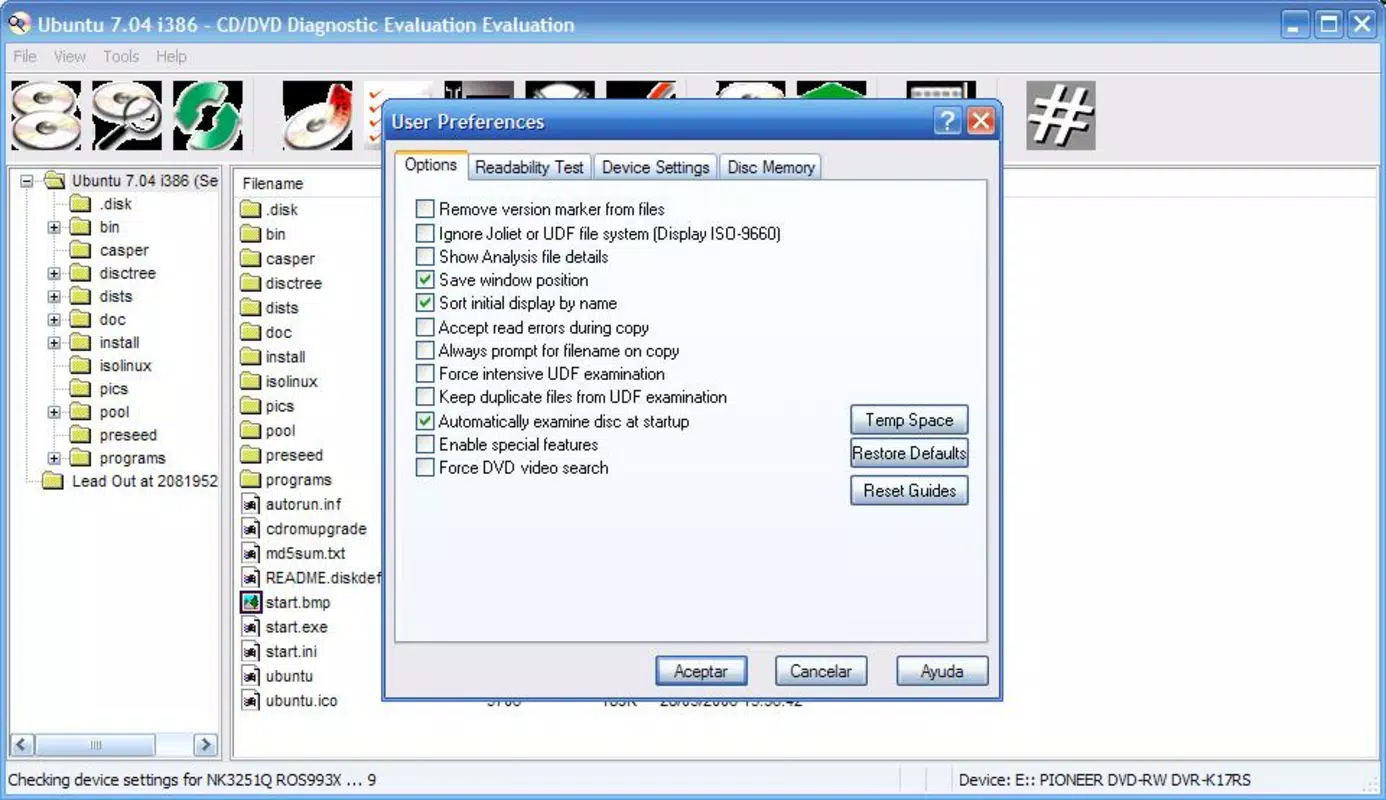
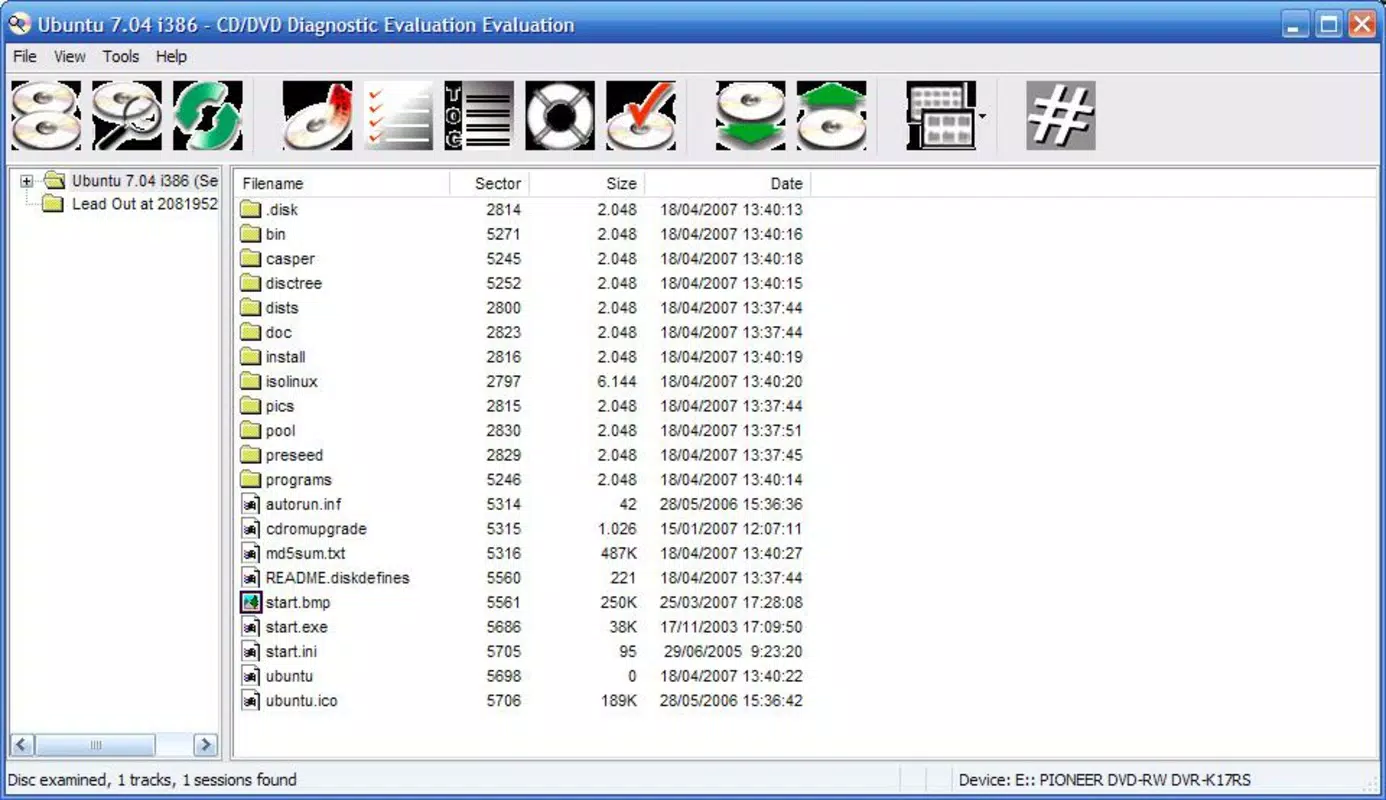
The user interface of CD-DVD Diagnostic appears to be designed with functionality over aesthetics, prioritizing clear access to core recovery tools. The layout likely includes straightforward navigation to initiate scans, view recovery results, and manage saved files. Given its utility-focused purpose, the interface is expected to minimize visual clutter and emphasize essential controls.
Navigation is likely linear and task-oriented, guiding users through the process of inserting a disc, selecting a recovery mode, and reviewing results. The app’s performance on Android devices is not formally documented, but its small file size of 1.3 MB suggests efficient resource usage. Although the developer did not list formal performance metrics, the app is expected to operate smoothly on a range of Android devices, including older models.
Responsiveness and stability are critical for data recovery tools, and while no specific reports on crashes or freezes are available, the app’s long-standing presence suggests consistent operation. Users can expect minimal lag during scanning, especially on devices with stable optical drive support. However, actual performance may vary depending on hardware compatibility and the condition of the disc being scanned.
Platform Compatibility & Technical Requirements
CD-DVD Diagnostic is available exclusively on the Android platform. The app requires an Android operating system, though the specific version requirements were not listed by the developer. The file size is 1.3 MB, which indicates a lightweight application with minimal storage impact.
Compatibility with external optical drives is not specified, but the app likely relies on USB OTG (On-The-Go) functionality to connect external CD/DVD drives to Android devices. Users may need to ensure their device supports USB host mode and has the necessary drivers for optical drive recognition. The developer did not provide additional technical details regarding hardware or software prerequisites.
Pros and Cons
Pros
- Free to download and use, making it accessible to users seeking low-cost data recovery solutions.
- Supports multiple disc formats, increasing its versatility across different types of optical media.
- Offers session-based recovery, allowing users to manage long scans without interrupting device use.
- Includes diagnostic tools to assess disc health and prevent future data loss.
- Provides safe copy options to protect recovered data during transfer and storage.
Cons
- Specific OS version requirements were not disclosed, which may affect compatibility with newer Android devices.
- Performance on various device types was not formally tested or reported.
- External hardware support (e.g., USB optical drives) is not explicitly confirmed, which may limit usability for some users.
- Developer did not provide detailed documentation or user guides.
- No information on automatic updates or future development plans.
FAQ
Is CD-DVD Diagnostic safe to install on Android?
The app is free and available through official channels. While no third-party security audits were provided, it is distributed by a known developer with a long-standing release history.
Can I use this app with any external CD/DVD drive?
Compatibility depends on the device’s USB OTG support and the drive’s driver compatibility. The app does not specify supported hardware, so results may vary.
Does CD-DVD Diagnostic require root access?
There is no indication that root privileges are required. The app functions as a standard utility and should operate without elevated permissions.
How often should I run diagnostics on my discs?
It is recommended to perform diagnostics periodically, especially on older or frequently used discs, to detect early signs of degradation and prevent data loss.
Is the app updated regularly?
While the last update was in 2013, the app remains functional. However, no recent updates or development activity have been reported by the developer.
Final Thoughts
CD-DVD Diagnostic stands out as a niche yet practical tool for users managing legacy optical media. Its ability to recover data from damaged discs, combined with diagnostic and backup features, makes it a valuable asset for digital archivists, music collectors, and individuals with outdated data storage systems. Despite its age and lack of recent updates, the app remains functional and free, offering a straightforward solution where desktop alternatives may not be accessible.
For users with older Android devices and external optical drives, this app provides a rare mobile-based recovery option. While it lacks modern polish and detailed documentation, its core functionality remains relevant in the era of cloud storage and digital migration. If you’re working with aging CDs or DVDs and need a reliable way to preserve your data, CD-DVD Diagnostic offers a low-barrier entry point to recovery.
Download CD-DVD Diagnostic now


